Announcements are messages from isofy that keep you informed about new features, important updates, and other relevant information. They appear as banners at the top of your Home page in the isofy Dashboard.
TABLE OF CONTENTS
Viewing Announcements
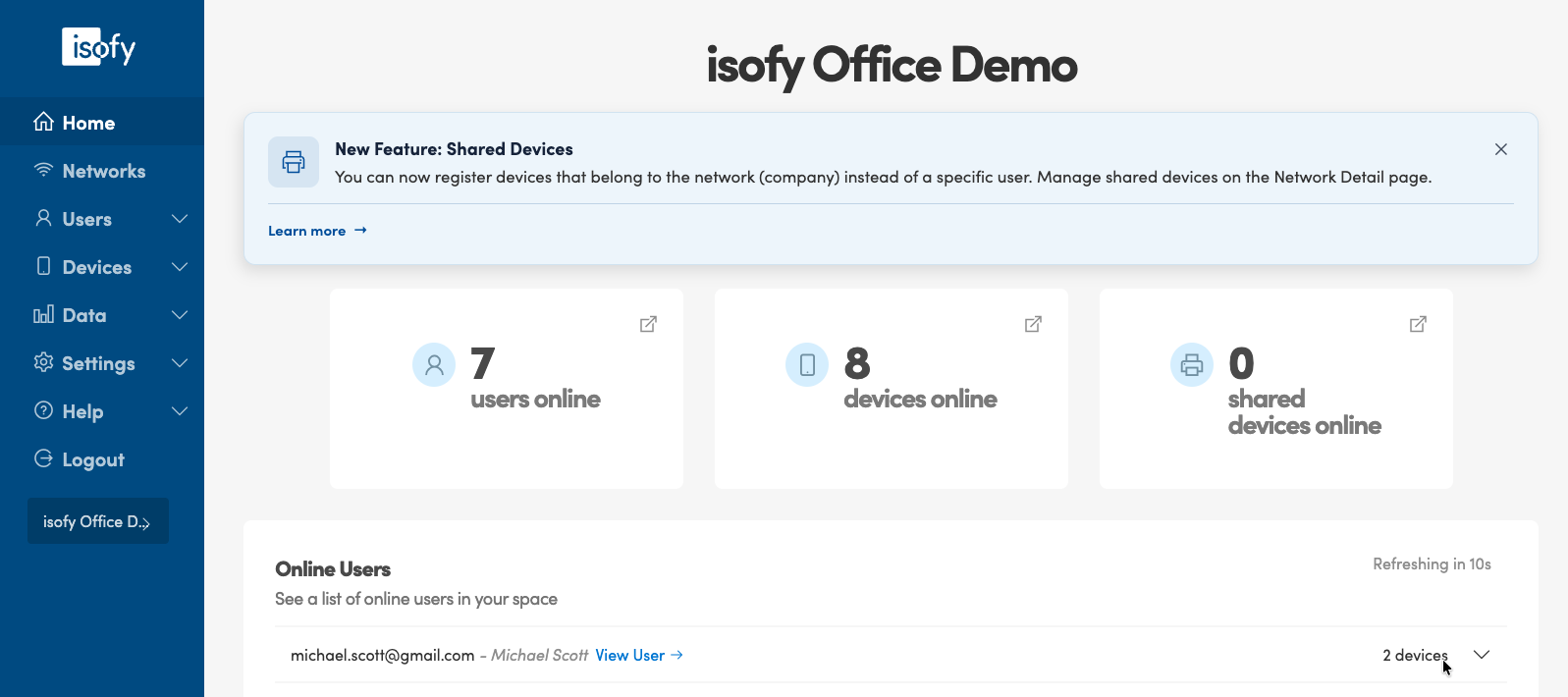
When there is an active announcement, a banner will appear at the top of your Home page, above your dashboard widgets. Each announcement banner includes:
- An icon on the left indicating the type of announcement
- A title describing the announcement
- A message with additional details
- An optional Learn more link. If included, click it to open a page with more information about the announcement
If there are multiple active announcements, they will each appear as separate banners stacked at the top of the page. Here is an example of an announcement for "New Feature: Shared Devices":
Dismissing Announcements
To dismiss an announcement, click the X button in the upper-right corner of the banner. The announcement will be removed from your Home page.
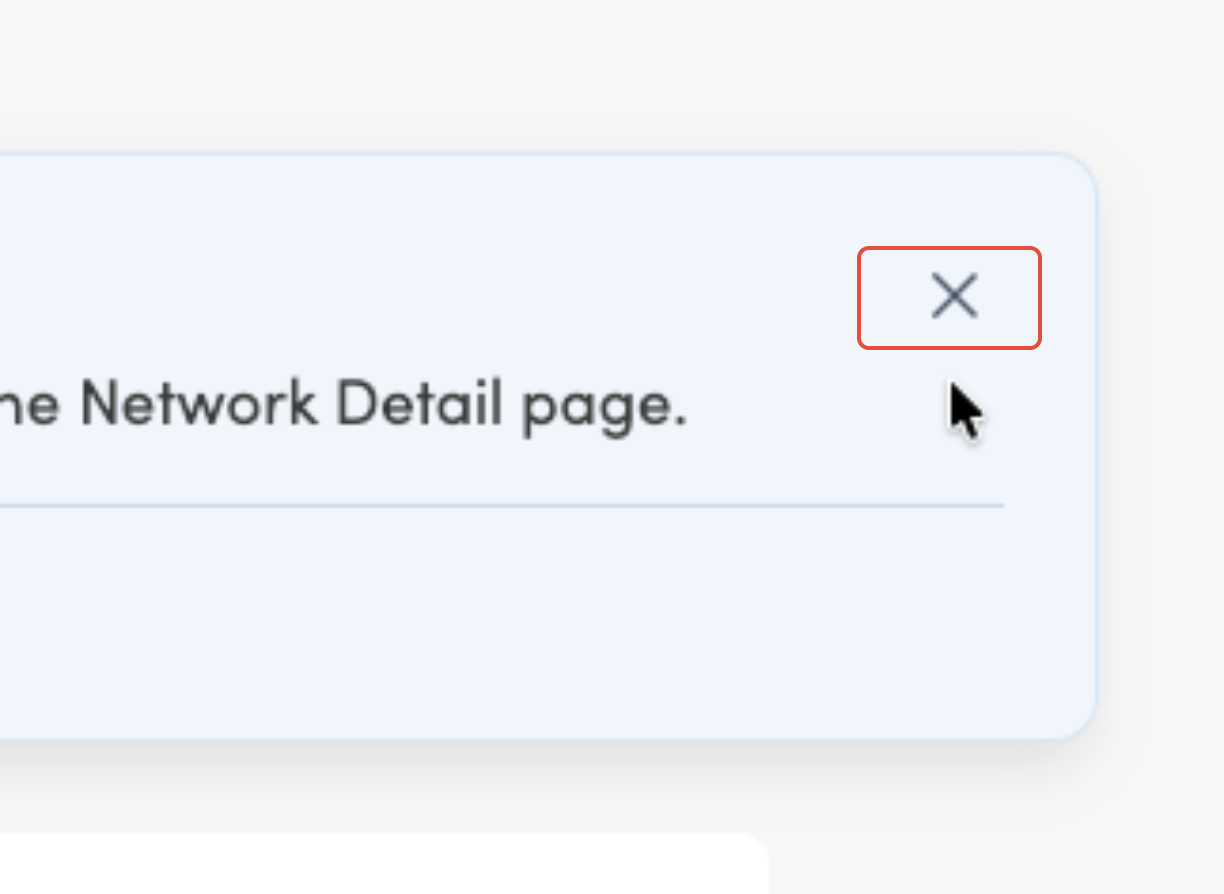
Note: Dismissing an announcement only applies to your current browser. If you access the dashboard from a different browser or clear your browser data, previously dismissed announcements may reappear.
Was this article helpful?
That’s Great!
Thank you for your feedback
Sorry! We couldn't be helpful
Thank you for your feedback
Feedback sent
We appreciate your effort and will try to fix the article